CONFIDENTIALITY NOTICE : The content of this article is Trasis confidential information and is intended for Trasis customers and partners only. Any sharing of this information with a third party is strictly prohibited.DISCLAIMER : All information provided in this article is for illustrative purposes only and does not reflect real or existing data.1. Where to find my intervention reports
To view your reports, simply go to the “Devices” module located on the left-hand side of your screen.

2. What to find in my interventions
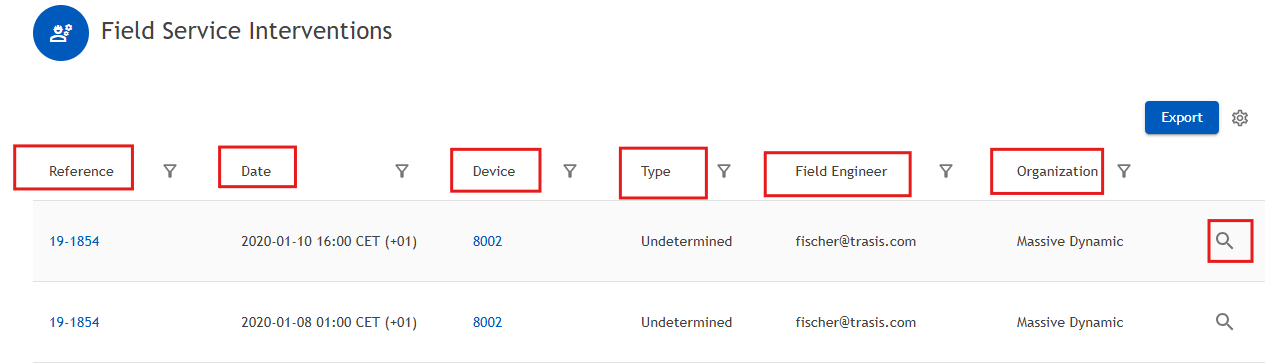
Within the Field Service Intervention module, you can find the following information:
- Your intervention report number
- The date of the intervention
- The device related to the intervention
- The type of intervention
- The engineer who performed the intervention
- The organization
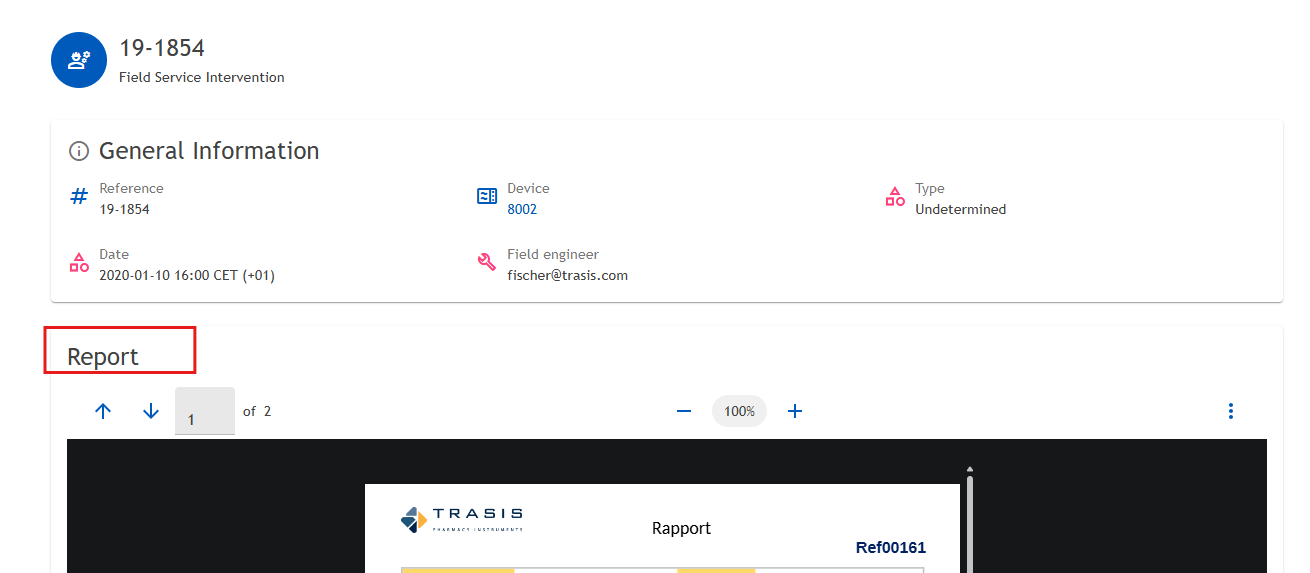
By clicking on the magnifying glass icon, you can access more detailed information about the specific intervention: you will find the PDF report related to the intervention.
3. Available Actions
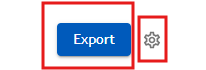
Two actions are available in this menu:
- Export data: You can export the data using the Export button. You may choose to export the current page only or all pages. This action will compile the data from the module and download it as an Excel (.xlsx) file.
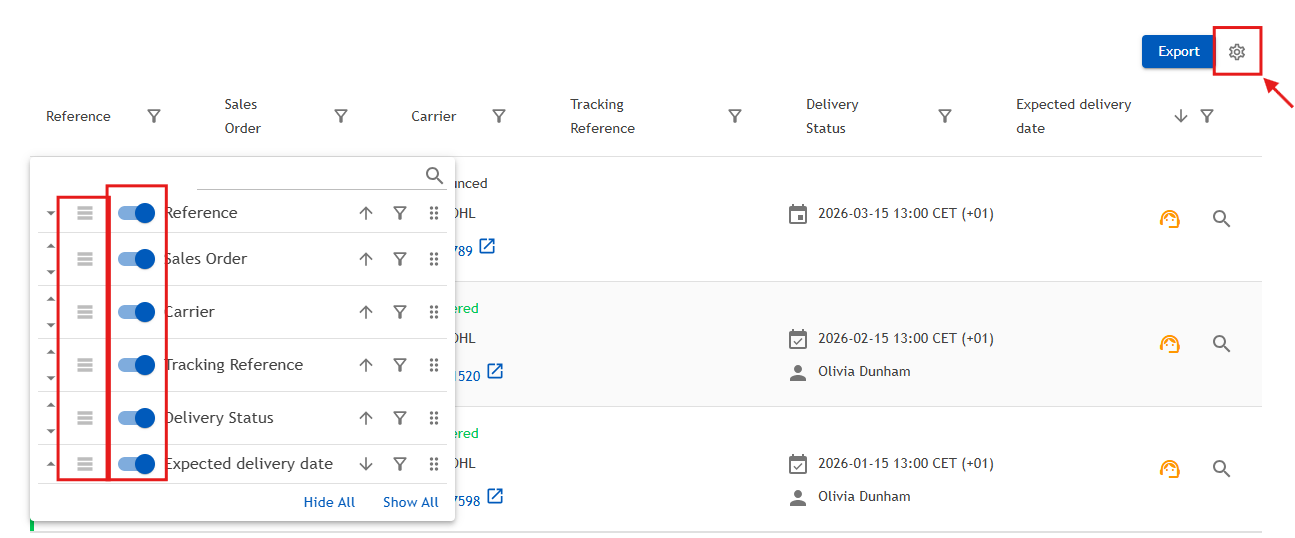
Settings (gear icon): The gear icon allows you to refresh the data and customize the display of the module.
You can:
- Reorder the displayed fields according to your preferences
- Choose which information you want to show or hide
- Rearrange the view to better match your needs
Was this article helpful?
That’s Great!
Thank you for your feedback
Sorry! We couldn't be helpful
Thank you for your feedback
Feedback sent
We appreciate your effort and will try to fix the article